
Track Your FIFA World Cup Performance in Real Time
Download FIFA Player App now
Is the FIFA Player App available to the general public?
The FIFA Player App is exclusively available to official participants of the FIFA World Cup. Access requires an official account provided by FIFA organizers.
What devices support the FIFA Player App?
The app is compatible with Windows and Mac operating systems. Specific hardware requirements were not provided by the developer.
Can I use the app offline after downloading it?
While the app’s functionality is tied to live data streams and official match events, the developer did not specify whether offline access to previously synced data is available.
How often is player data updated?
Data becomes available immediately after each match concludes, with performance metrics and video replays synced to the player’s profile.
Is the app secure and private?
As a FIFA-authorized application, the app uses official credentials for access. The developer did not provide detailed information on data encryption or privacy policies.
Overview
The FIFA Player App is a specialized performance tracking tool developed by FIFA for athletes participating in the World Cup. Its primary purpose is to deliver real-time, accurate statistics and video analysis of individual player performance immediately after each match. Designed exclusively for official competitors, the app provides a comprehensive review of physical metrics, movement patterns, and tactical actions during gameplay.
It addresses the need for immediate, data-driven feedback in high-stakes football environments where performance optimization is critical. The app serves professional footballers and coaching staff who rely on detailed insights to refine technique, assess fitness levels, and adjust strategies between games.
Real-world usage scenarios include post-match debriefs, individual training planning, and performance benchmarking against personal goals. The app integrates video footage from multiple camera angles with performance data, allowing players to visualize their actions in context. This feature supports both self-assessment and collaborative analysis with team analysts.
The developer did not provide additional background information beyond the app’s official association with FIFA. Access is restricted to registered participants, ensuring data integrity and exclusivity. The app is not available for public download or general use.
Key Features & Capabilities
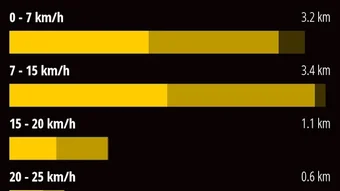
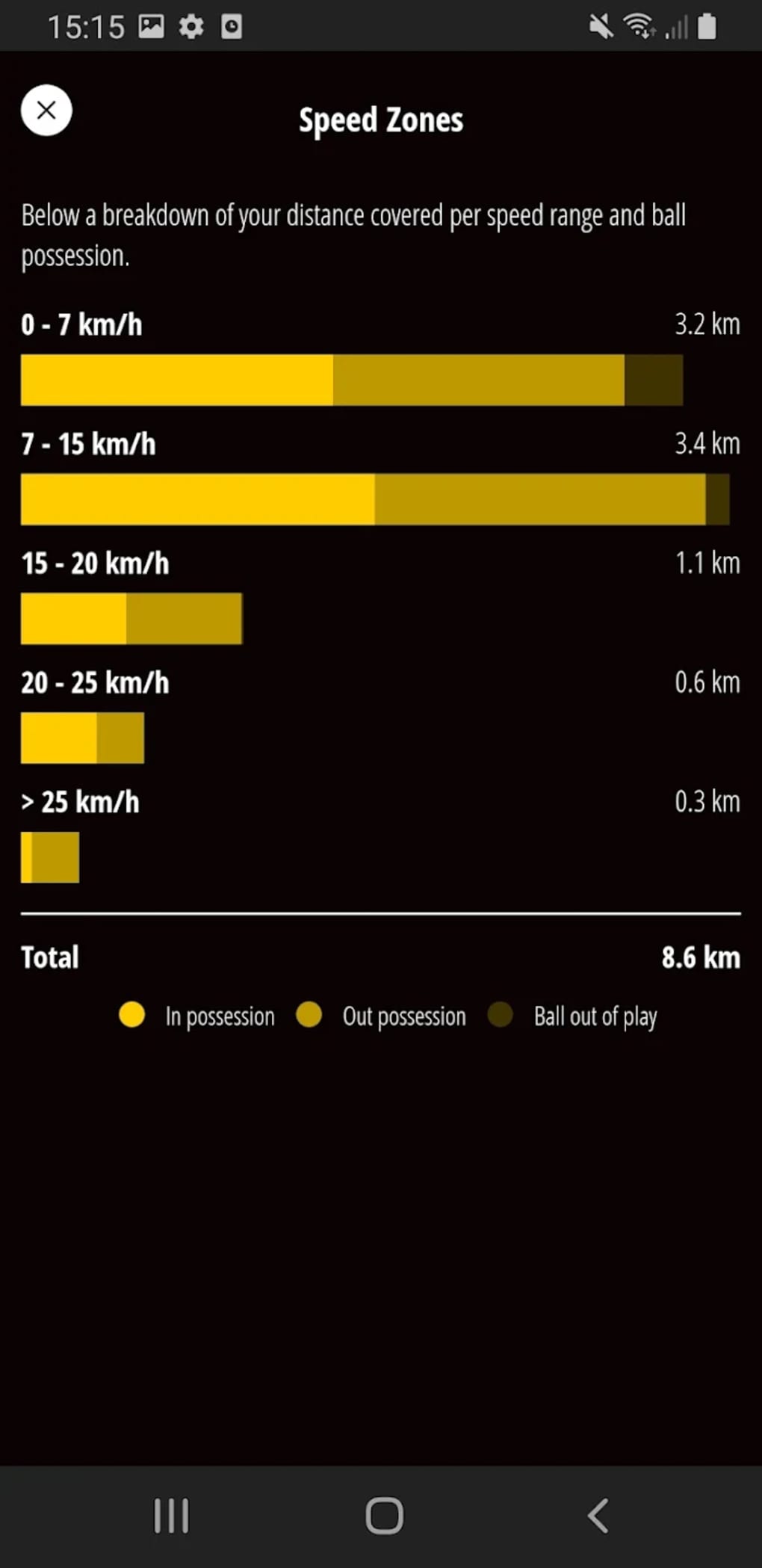
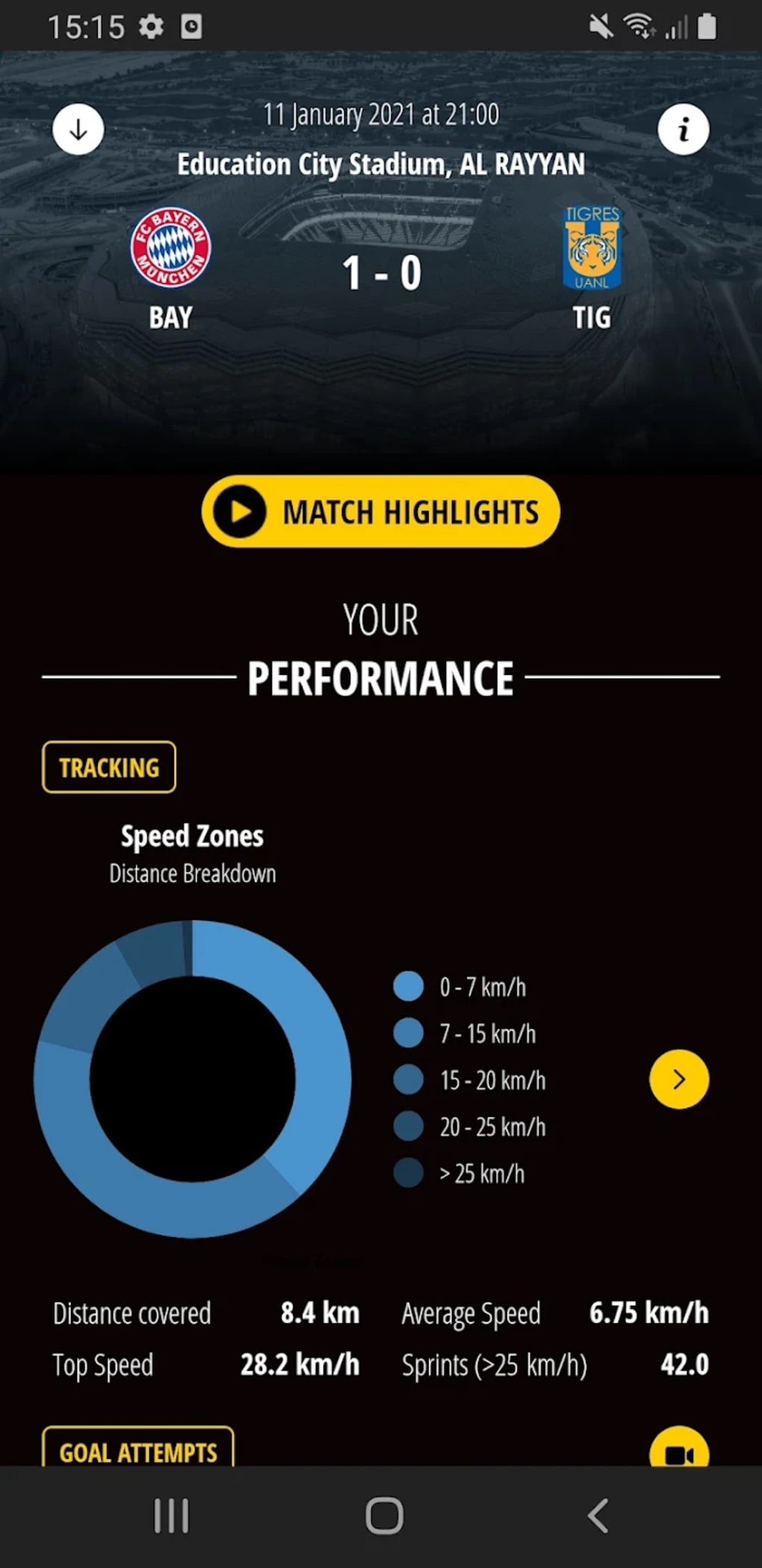
- Real-Time Performance Metrics: Tracks physical performance indicators such as speed zones, distance covered, and intensity levels using a network of venue-based cameras.
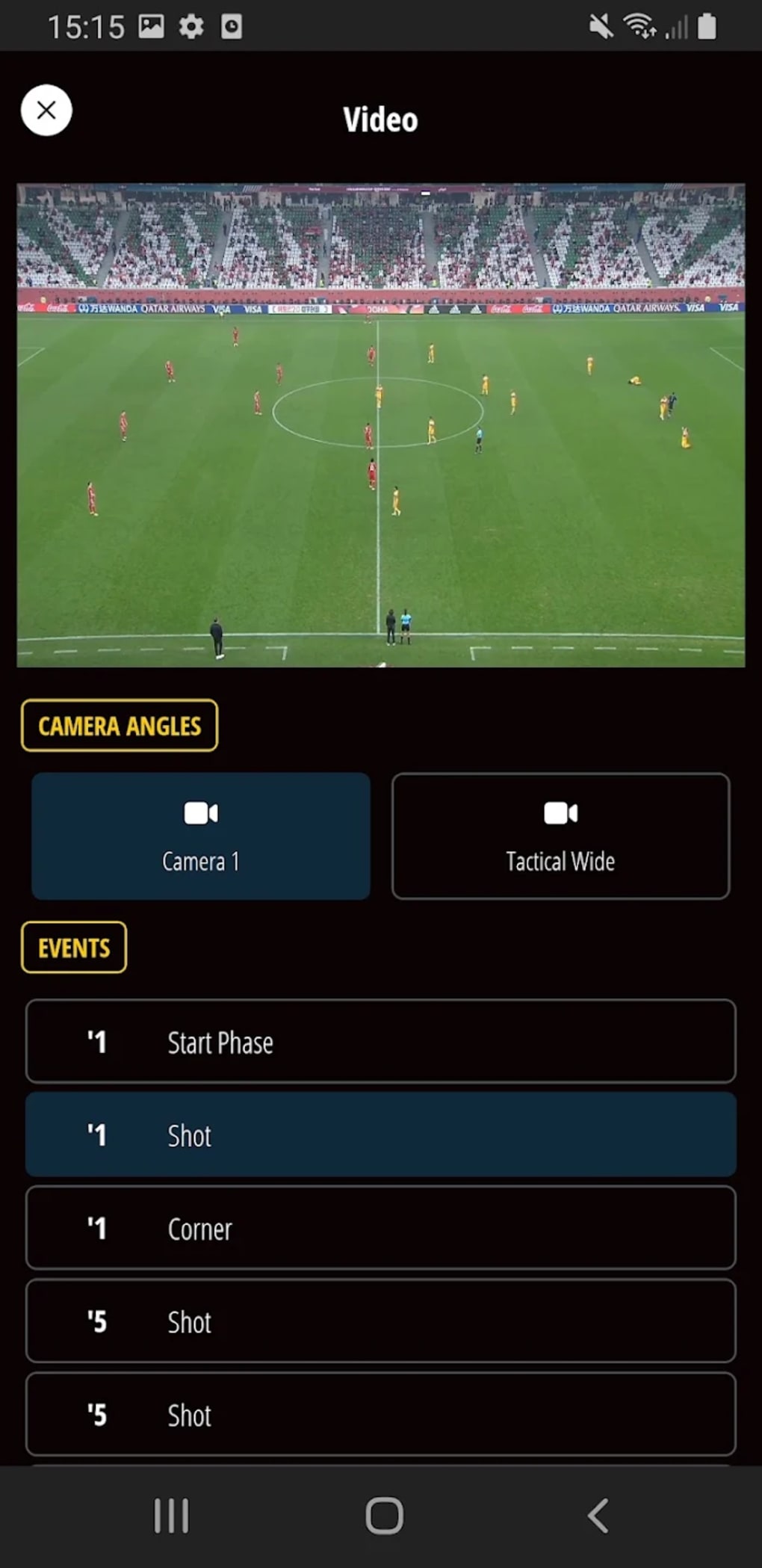
- Multi-Angle Video Replays: Provides access to high-quality video footage from various camera perspectives, synchronized with performance data for contextual analysis.
- Individual Performance Breakdown: Offers visual representations of performance through charts, pie graphs, and statistical summaries, including success rates and goal attempts.
- Data Sync with Analyst Review: All metrics are verified by a team of FIFA analysts to ensure accuracy and objectivity in the reporting process.
- Action Photography Archive: Includes a curated collection of high-resolution action shots captured during matches, useful for personal review and media use.
Each feature supports a deeper understanding of individual contributions during gameplay. For example, a player can review a sprint in a specific speed zone while simultaneously watching the corresponding video clip and viewing the associated success rate. This integration enhances the ability to identify strengths and areas for improvement.
Performance data becomes available shortly after each match ends, enabling timely feedback. While the app focuses exclusively on individual player statistics, it does not provide team-level analytics. Users can access team data through the separate FIFA Football Data Platform.
User Interface, Workflow & Performance
The user interface of the FIFA Player App is structured to prioritize clarity and quick access to performance data. Navigation is designed around a central dashboard that displays key metrics, video clips, and visual charts. Users can switch between different performance categories with minimal clicks, supporting efficient post-match analysis.
Workflow efficiency is enhanced by the seamless synchronization between video footage and statistical data. The app allows users to select a specific moment in a match, instantly pulling up the corresponding video and relevant metrics. This integration supports a fluid review process, reducing time spent cross-referencing multiple sources.
Performance observations are based on general software behavior patterns. The developer did not specify resource usage details, including CPU or RAM consumption. Stability during high-load scenarios such as real-time data processing was not disclosed.
Given the app’s exclusive nature and intended use in professional settings, it is expected to operate reliably under standard conditions. However, exact performance characteristics remain unspecified. Users should expect consistent behavior when accessing data post-match, though real-time processing during live events is not confirmed.
Compatibility & System Requirements
The FIFA Player App is compatible with Windows and Mac operating systems. The software version is 1.0, and the installation size is 500 MB.
Exact system requirements were not listed by the developer. This includes hardware specifications such as processor speed, RAM, or graphics capabilities. The app may require a stable internet connection for data synchronization and video streaming, though the developer did not confirm this.
Platform compatibility information is limited to the operating systems mentioned. No details were provided about compatibility with mobile devices, web browsers, or other platforms. Users should verify their system setup with FIFA organizers before attempting installation.
Pros and Cons
Pros
- Exclusive access for official World Cup participants ensures data authenticity and security.
- Real-time integration of video replays with performance metrics enhances analysis accuracy.
- Comprehensive individual performance breakdowns with visual tools like charts and graphs.
- High-quality action photography and multi-angle video support detailed review.
- Developed by FIFA, ensuring alignment with official football standards and protocols.
Cons
- Only supports individual player statistics; no team-level performance data within the app.
- Restricted access requires an official FIFA account, limiting availability to a small user base.
- Developer did not provide detailed system requirements or performance benchmarks.
- Offline functionality was not specified, potentially affecting usability in low-connectivity environments.
- App is not available for public download or general use.
Final Thoughts + CTA
The FIFA Player App stands out as a powerful, specialized tool for elite football athletes participating in the World Cup. Its ability to deliver synchronized video and performance data in real time offers a significant advantage in post-match analysis and personal development. The integration of analyst-reviewed metrics ensures reliability, while the visual tools support intuitive understanding of complex performance indicators.
While the lack of team-level analytics and limited access may restrict broader utility, the app excels in its core purpose: providing individual players with deep, actionable insights. It is an essential resource for professional athletes who demand precision in their performance review.
For official World Cup participants, this app is more than a utility—it’s a competitive edge. Download FIFA Player App now.







